


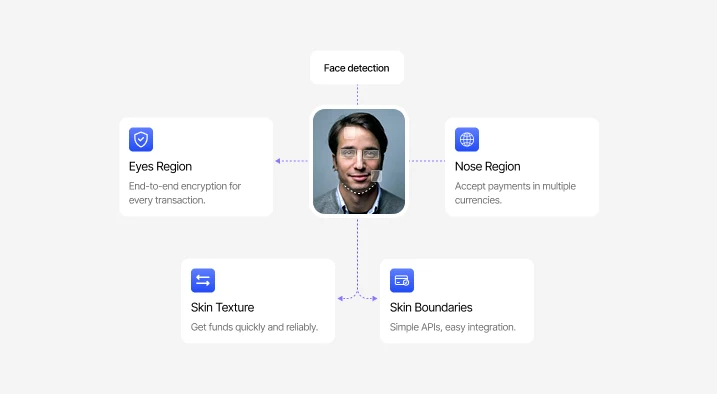
Face Detection
Detects and isolates the face in the captured frame before biometric matching, helping improve comparison accuracy.
Platform

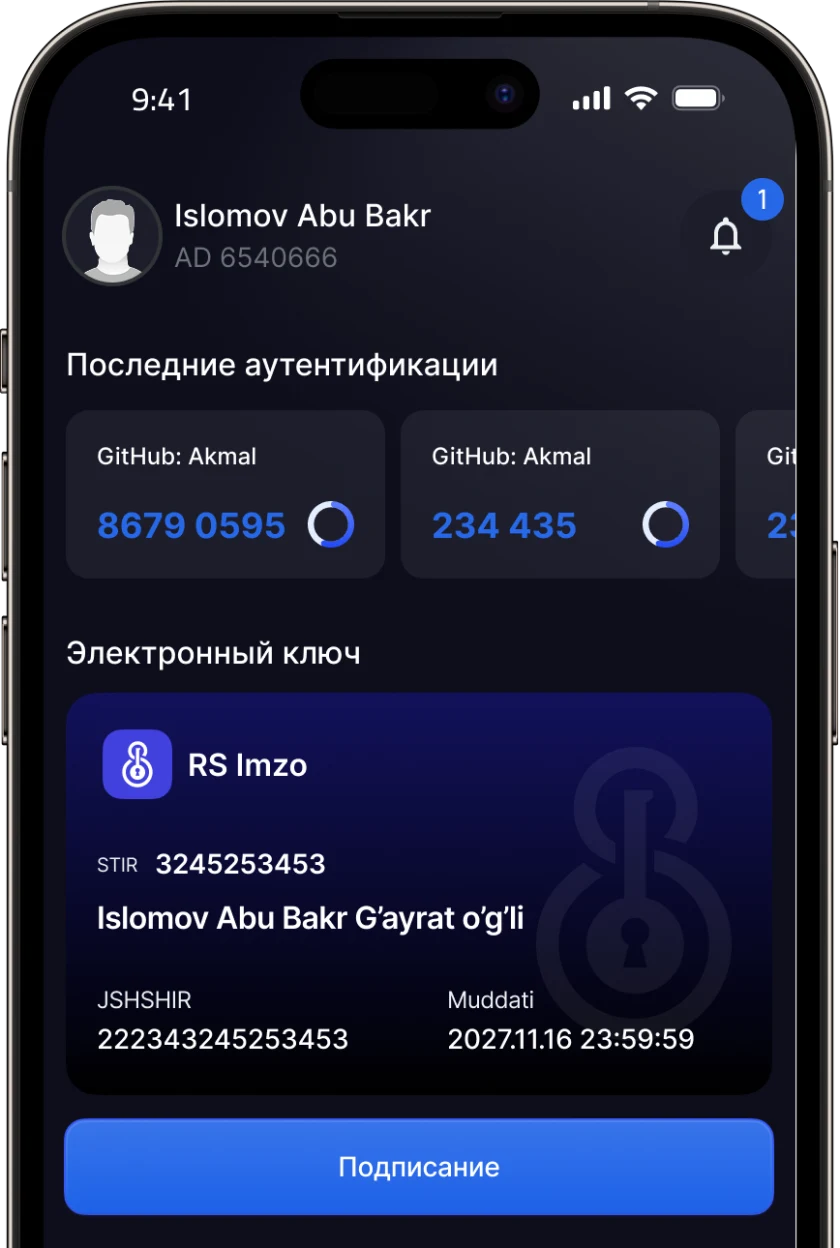
End-user app for enrollment, QR sign-in, and document signing.

Drop face capture and liveness detection into any iOS or Android app.

A browser capture component for direct verification on a web page.

Server-to-server verification, matching, and signing for your own backend.

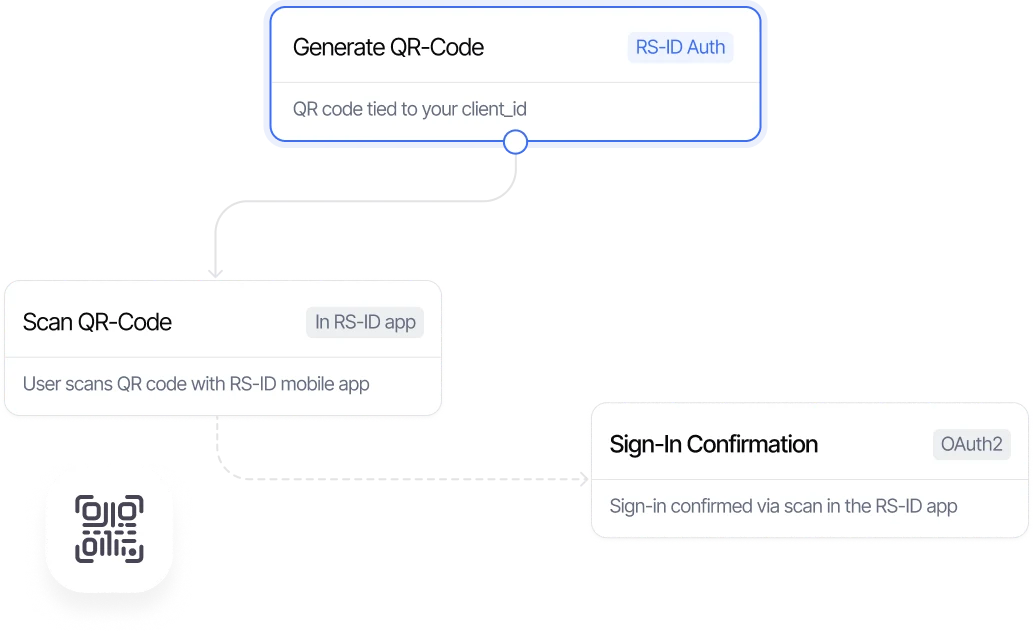
QR- and OTP-based authentication for any application.

Manage integrations, review verification cases, and monitor usage.

Real-time risk scoring for every verification.

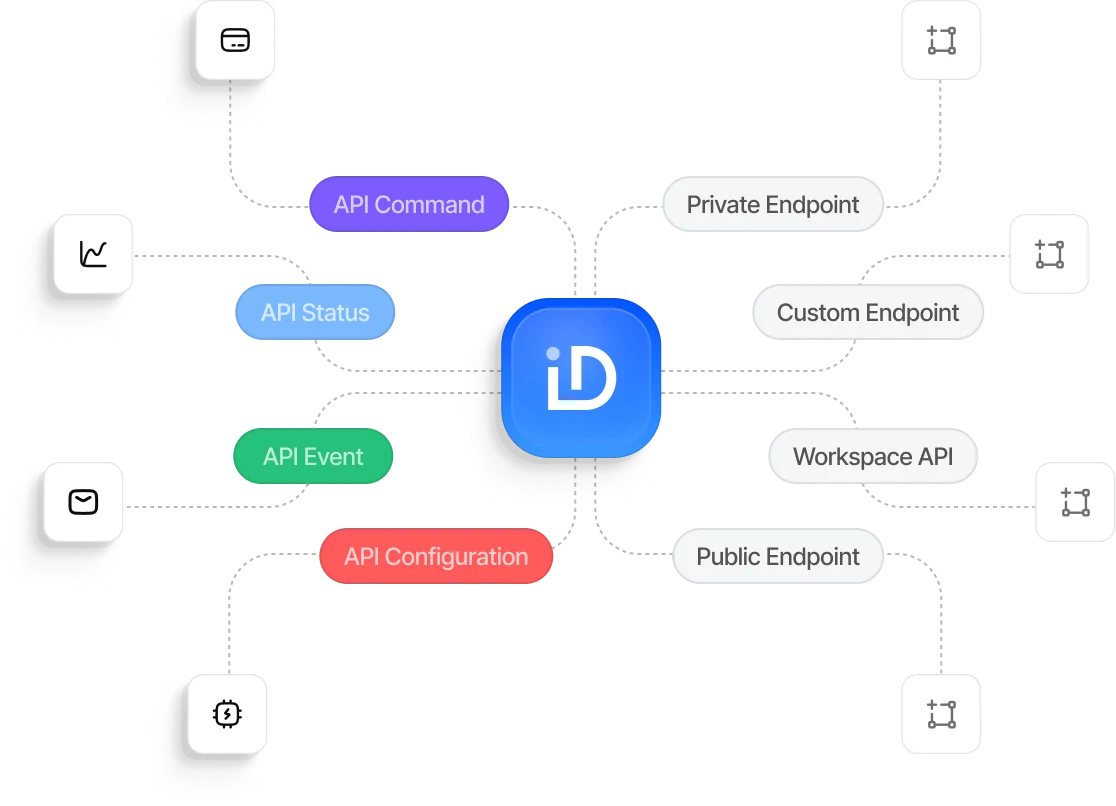
API keys, webhooks, and a sandbox environment for testing integrations.

Face verification for self-service kiosks and access control terminals.
Integrations
Add face capture, liveness detection, and anti-spoofing to any existing iOS or Android app.










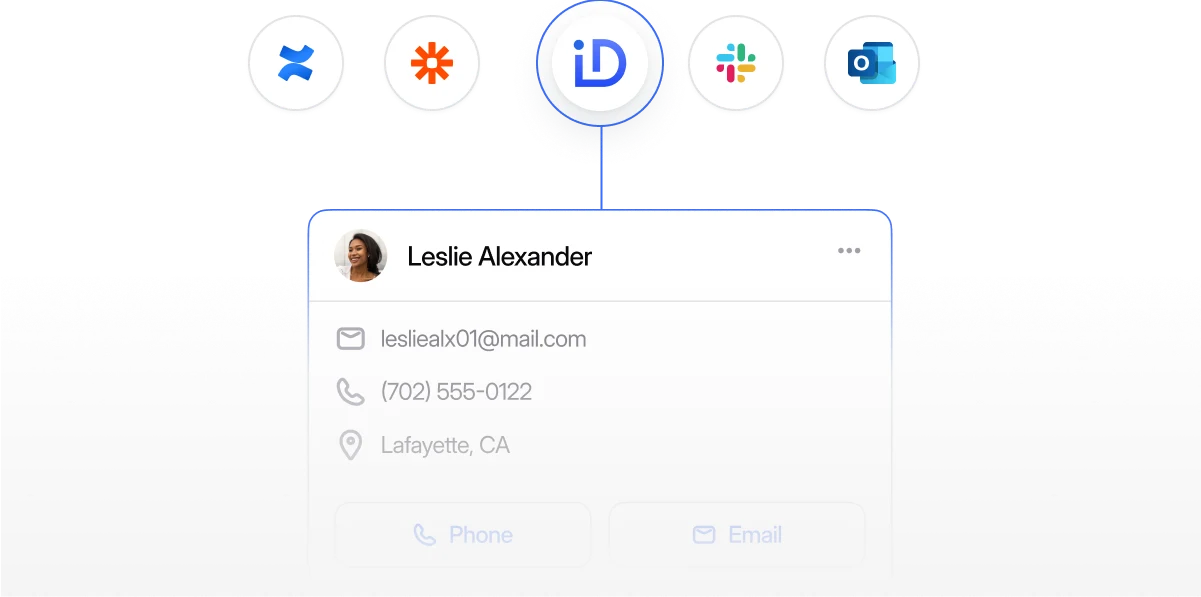
Give your team secure, streamlined access and authentication with RS-ID.
Verify identities, approve access requests, and monitor authentication activity in real time.
Lock or unlock accounts and update access permissions directly in the RS-ID app.
Built to Scale
RS-ID verifies identities, enables secure digital signing, and authenticates users across every touchpoint — from mobile apps to checkout pages — all through one unified platform.
Once RS-ID verifies a user's identity, they can securely sign documents using the signature method already supported by your workflow.
Face verification and liveness detection confirm the signer's identity.
A session-specific RS-Imzo signature is generated.
The document is signed using EDS, E-IMZO, or RS-Imzo, depending on the selected method.
The signed document and its audit trail are returned to your application.
Biometric Core
Detects and isolates the face in the captured frame before biometric matching, helping improve comparison accuracy.
Confirms that the subject is physically present and detects spoofing attempts using photos, screen replays, or prerecorded videos.
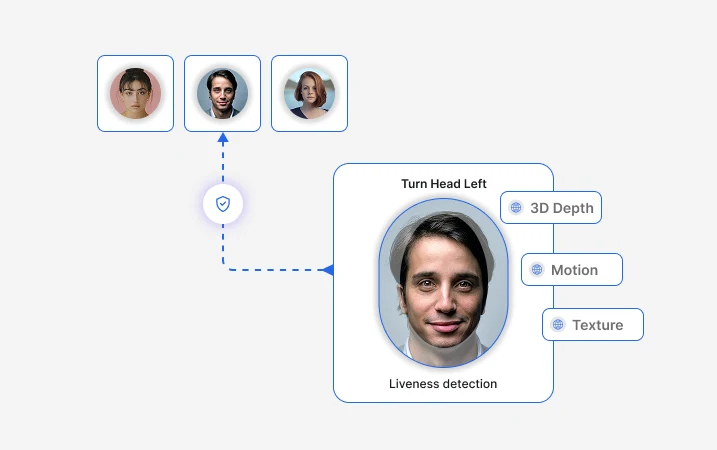
Compares the face captured during verification with the registered reference photo to help verify the user's identity.
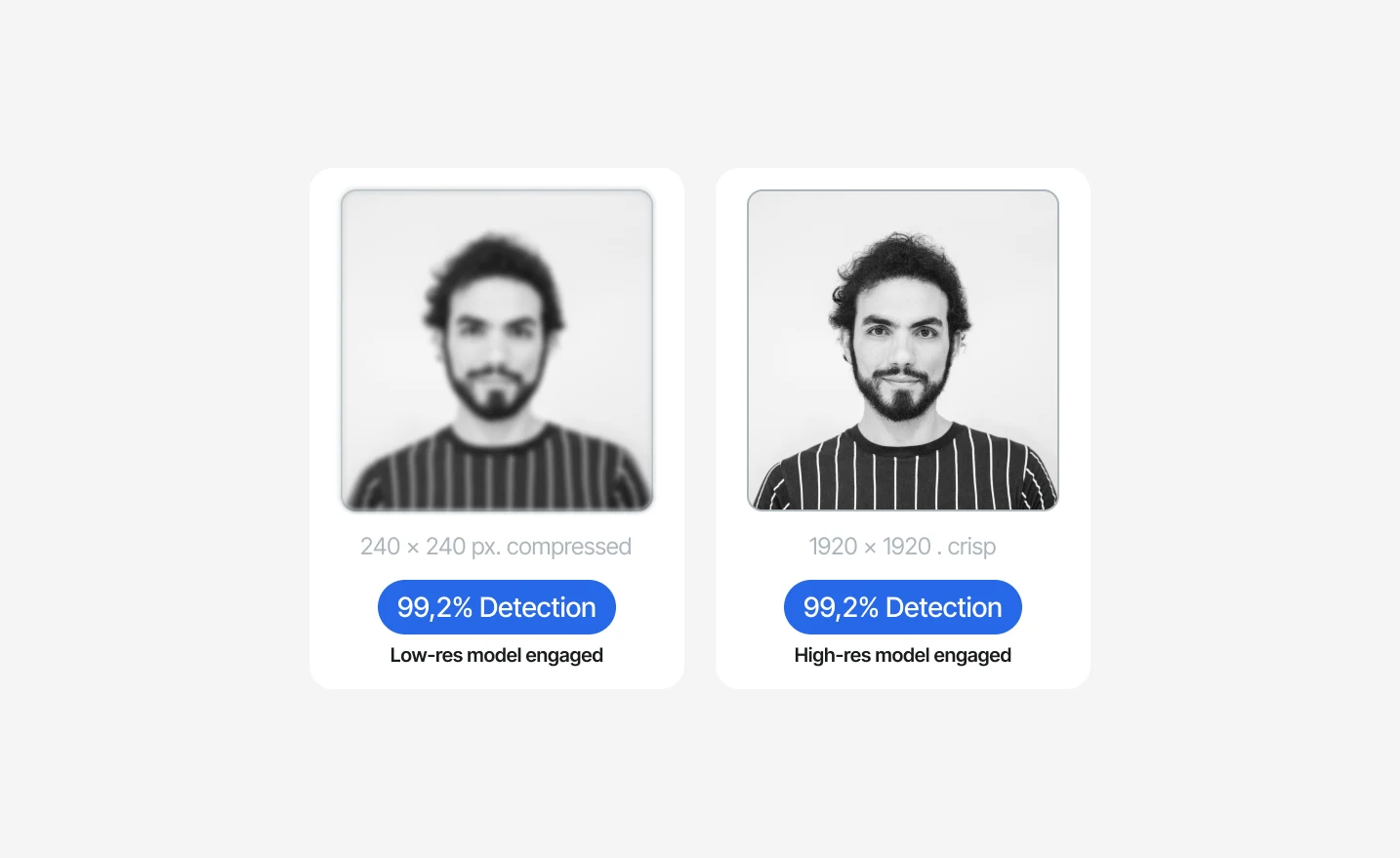
Detects presentation attacks involving masks, printed photos, screen replays, and prerecorded videos, helping protect biometric verification from spoofing.
Authentication
RS-ID Auth supports two familiar approaches: TOTP/HOTP one-time codes, similar to Google Authenticator, and QR-based passwordless sign-in for compatible applications.

Time-based one-time passwords that automatically refresh every 30 seconds.

Counter-based one-time passwords generated from a counter that advances with each new code.
The app generates a six-digit one-time code using the shared cryptographic key. The server independently calculates the expected code and verifies that the values match.
Streamline customer onboarding, secure account access, protect high-risk transactions, and enable digital document signing.
Verify citizens and provide secure access to digital public services.
Verify buyers and sellers, reduce fraudulent accounts, and protect high-risk transactions.
Simplify subscriber onboarding, SIM registration, and account recovery with biometric identity verification.
Verify policyholders, streamline claims, and enable secure document signing throughout the policy lifecycle.
Protect customer accounts and enable secure authentication across online and in-store experiences.
Compliance
Our approach to information security, biometric testing, data protection, and payment security.

Information security management systems

Biometric presentation attack detection testing

Privacy controls designed to support GDPR compliance

Controls designed to support PCI DSS requirements for in-scope deployments
Talk to our team to choose the right integration for your product — Mobile SDK, Web SDK, Backend API, or a combination of all three.
 Authentication


